
Installation
Professional UK Fitting
Fast Delivery
Next Day Delivery
Secure
Payment & Checkout
£579.00 Ex. VAT

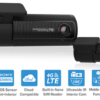
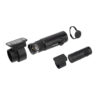
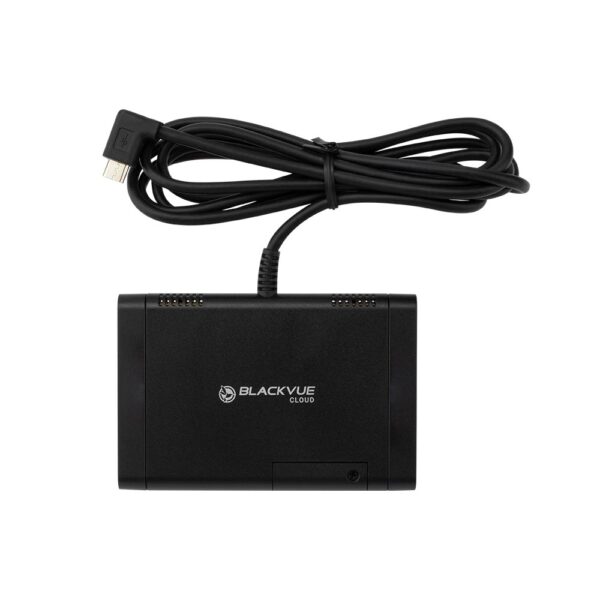
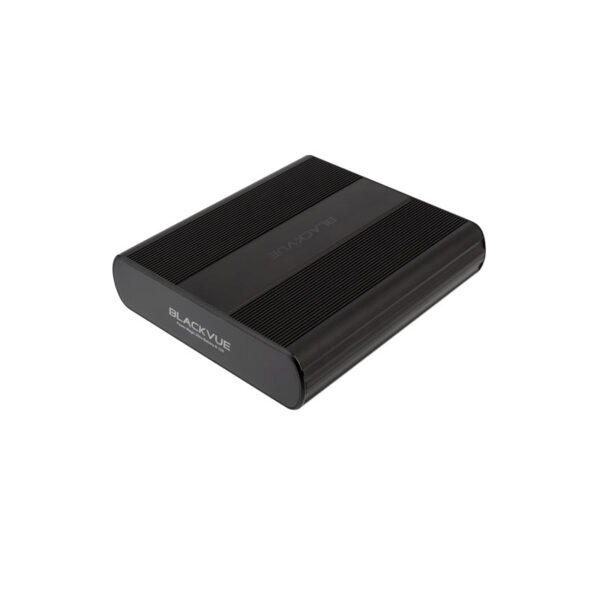
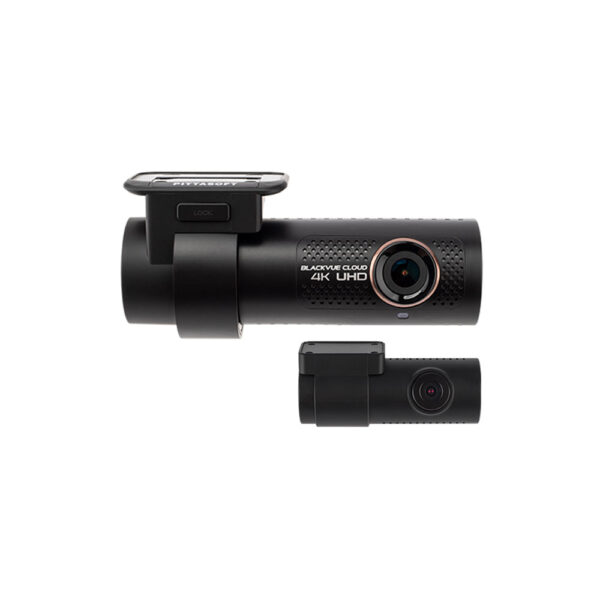
DR770X 2CH LTE Full HD WITH INSTALLATION AND OPTIONAL NEO6 BATTERY PACK AND OPTIONAL CLOUD CONNECTIVITY MODULE
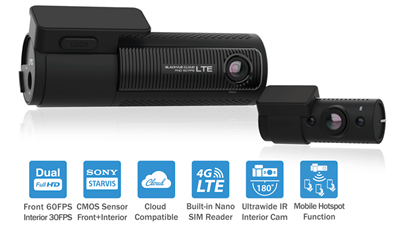
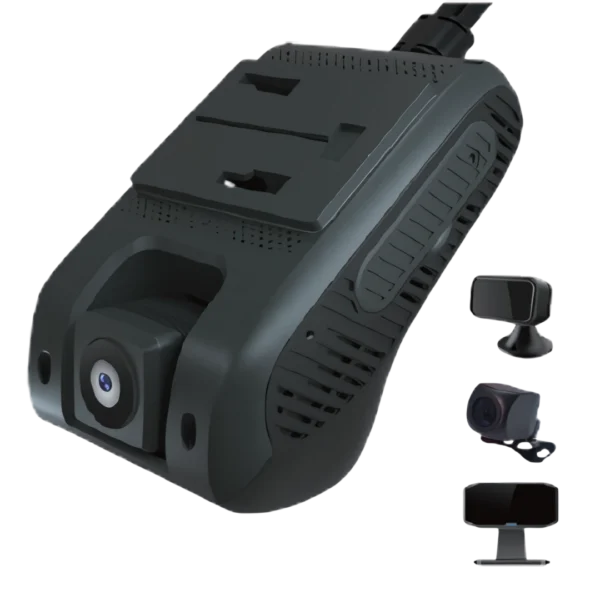
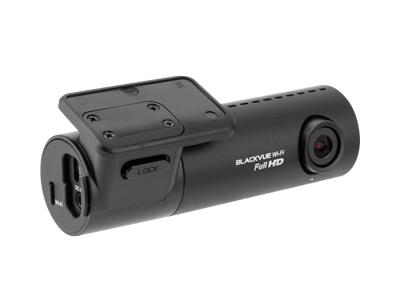
The DR770X 2CH LTE is cloud enabled and comes with integrated 4G LTE which allows the user to use a range of cloud services available. The cameras are full HD 1920 X 1080 and feature the Sony STARVIS CMOS image sensor. The front camera can record at 60 frames per second. The STARVIS imaging sensor provides improved clarity under low light conditions.
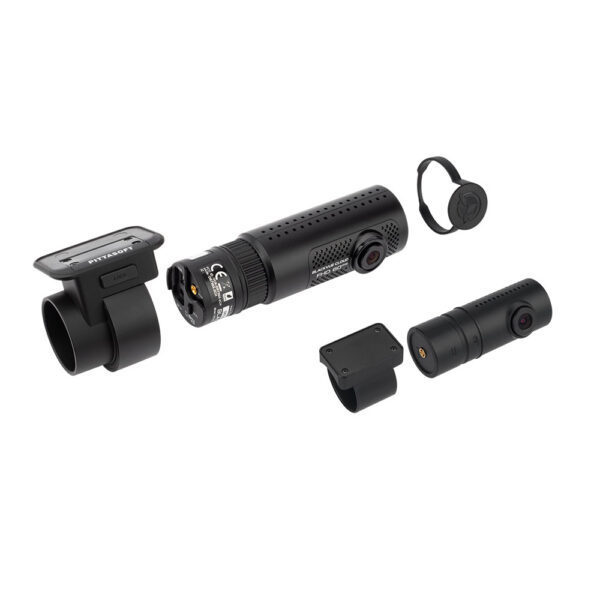
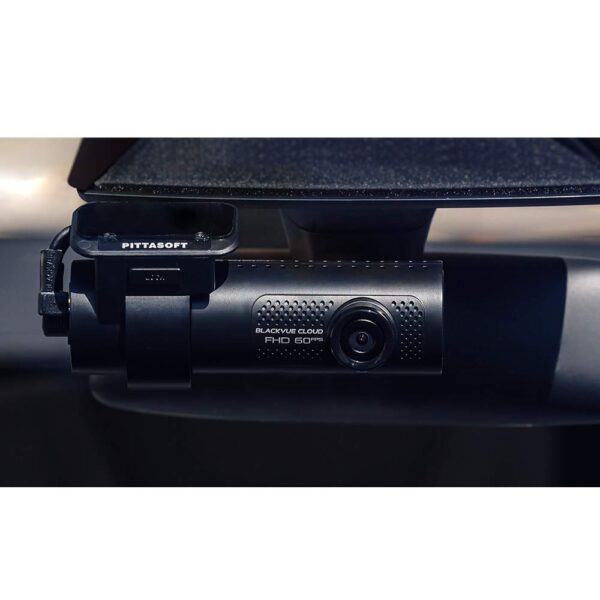
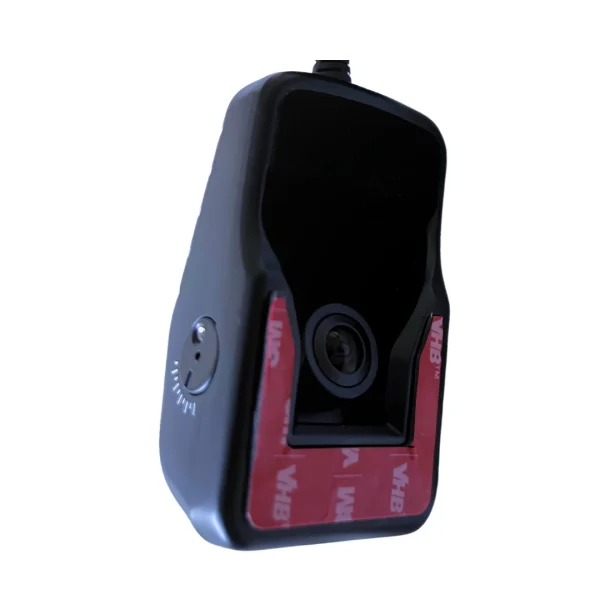
The Blackvue DR770X-2CH LTE is a reliable and ideal dual channel dash cam for taxi drivers and chauffeurs who want to record driving scenes from both the front and inside the vehicle. The main camera, mounted on the front windscreen, captures the entire road ahead, whilst the internal camera, records inside the vehicle. It can provide irrefutable proof in the unfortunate event of an accident and can provide protection of your valuable property whilst parked.
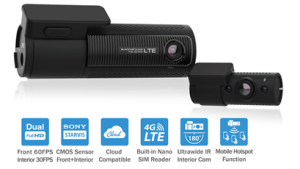
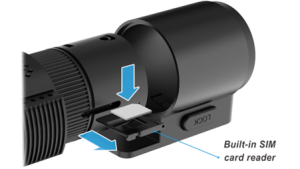
The built-in 4G LTE connectivity makes connecting to the Cloud hassle-free. The Full HD 1080p Front (60FPS) and Rear (30FPS) are powered by Sony STARVIS sensors. With a Mobile Hotspot Function, the BlackVue can be used as a Wi-Fi router for up to five devices (phone, tablet, laptop, etc.).
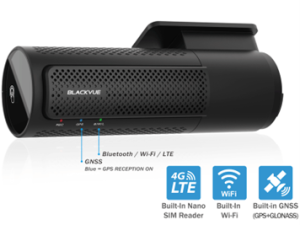
The integrated GPS provides speed data which will be overlaid in the video unless disabled. The speed can be set speed to display in MPH or Km/h. Location will be visualized in the BlackVue App or Viewer’s Map.
The Wi-Fi and LTE functins allow you to connect your dashcam over Wi-Fi or the Cloud. Wi-Fi enables you connect your BlackVue with a smartphone or tablet. The 4G LTE gives you access to your BlackVue over the Cloud from anywhere, anytime.
The camera is supplied with a Vodaphone SIM Card providing 40GB of data per month for only £4.00 per month. Alternatively, you can use your own choice of Network Provider
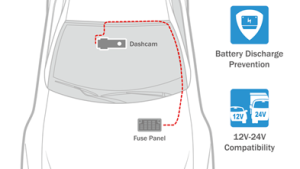
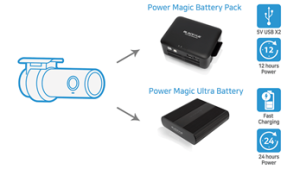
The NEW integrated battery management protection means that a separate Power Magic Pro is no longer needed. For extended recording times an optional secondary battery can be fitted.
The DR770X Series includes a hard wiring cable and can be hardwired to your vehicle’s fuse panel for Parking Mode, without requiring optional accessories. The dashcam will switch to Parking Mode automatically when vehicle ignition is turned off. The Voltage cut off and timer can be set in the BlackVue App.

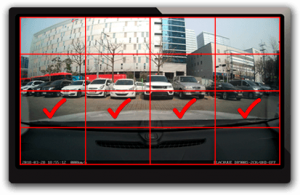
Motion and Impact Detection in Parking Mode detects both and only writes data to the memory card when something happens either when motion or impact are sensed. This means there is less chance of important files being overwritten during long parking sessions and extends the lifespan of the memory card.

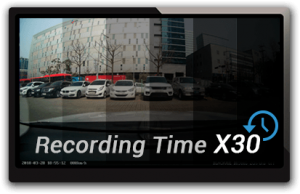
In Time Lapse and Buffered Events Mode, the camera continuously records at one frame per second whilst parked.
In either mode, when you return to your vehicle voice notifications alert you if an event occurred. This enables you to review recordings immediately. To utilise the Parking Mode functions, you will either use the integrated Battery Management Protection function or a Battery Pack to keep the camera active whilst parked.
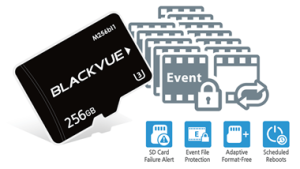
The Adaptive Format-Free File Management System improves recording stability and reduces the need for Micro SD Card formatting.
Event File Overwrite Protection prevents the overwriting of up to 50 event files. You can choose to allow new event files to overwrite past event files, thus keeping the latest 50.
The DR770X 2 Channel will support up to Micro SD Cards up to 256GB
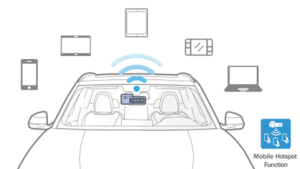
The BlackVue camera can be turned into a Wi-Fi router for your taxi or private hire vehicle. With the Mobile Hotspot Function, your BlackVue camera can now turn into a mobile internet router for up to five devices concurrently. This means you and your passengers can now use your BlackVue’s internet on your laptop, portable game console, tablet or mobile. To connect to the BlackVue, simply open your devices’ Wi-Fi menu, select the BlackVue and enter the dashcam’s Wi-Fi password.
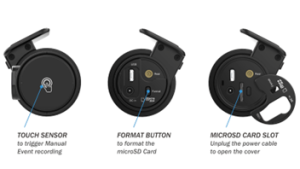
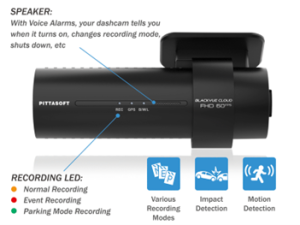
The Camera Automatically tags important files which are colour coded for easy and fast access. Whilst driving, your BlackVue detects impacts and sudden changes in speed. Whilst parked, it also detects movements in the field of view of the camera. All videos are tagged (Normal, Event, Parking Mode motion or time lapse), so that you can easily find the relevant ones in the BlackVue Viewer for Windows and Mac OS or the BlackVue App for Android and iOS.
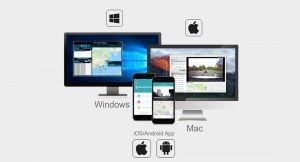
Watch front and rear side of recorded videos, check speed and location, trace route of vehicles on Google Maps on a Windows based PC or MAC.
The Blackvue App for Android, and iOS allows users to play live or recorded Blackvue videos via a smartphone or tablet PC via Wi-Fi connection.
The Wi-Fi connection also enables you to access and transfer videos easily to your smartphone or tablet device without having to remove the micro-SD card.
When you remove the SD Card and plug it into the PC or an Apple Mac you can simply analyse how the accident or incident occurred with the Blackvue software. This software will allow you to review the event, collecting vital information about your speed and location. A built in Google Map will show you the journey on the road whilst in playback and will allow you to find your exact location. In the SD Card Viewer mode, you can change your BlackVue settings (settings will be applied after reinserting the microSD card in the dashcam). You can also browse your videos easily thanks to filters for Normal, Manual, Event and Parking Mode recordings. Finally, the SD Card Viewer lets you format the microSD card, which is recommended prior to copying new firmware to the microSD card.

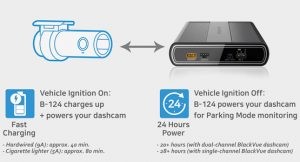
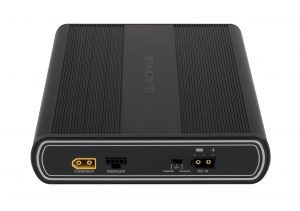
Neo 6 supports 12V electrical systems only.
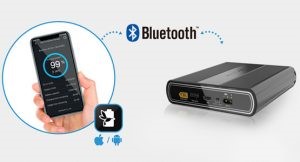
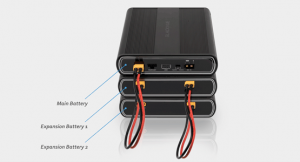
|
With our professional installation team of expert fully qualified auto electricians, our engineers will make sure you and your vehicle receive the right care and attention to detail with no unsightly wires or holes in the interior, looking as good as new. To reiterate all cables are concealed. We will ensure that you are 100% happy with your camera system on completion. As soon as the installation has been ordered, we will arrange for the engineer to install at a location and time to suit you.
We can install your system at any location convenient to you anywhere in the UK. The process is as follows:
Model name- DR770X-2CH LTE
Channel- 2 Channel Camera- Front and Rear -STARVIS CMOS Sensor (2.1M pixels) Resolution/FPS- Front -Full HD 1920 x 1080@60fps I Rear Full HD 1920 x 1080@30fps Variable Image Quality- Highest / High / Normal
Angle of view- Front -Diagonal 139°, Horizontal 116°, Vertical 61°; Internal – Diagonal 180°, Horizontal 150°, Vertical 93°
4G LTE – Built-in with nano SIM
GPS- Built-in
Wi-Fi- Built-in (Built-in (802.11 b.g.n)
Parking Mode-Yes (Three hardwire cable included)
Buttons- Wi-Fi on/off, Voice on/off, Format(Wi-Fi long key)
Security LED- Yes
Adaptive Free Format File Management System -Yes
Storage- MicroSD™ card (64GB/128GB/256GB)
Video Format- MP4
Microphone- Built-in Speaker- Built-in
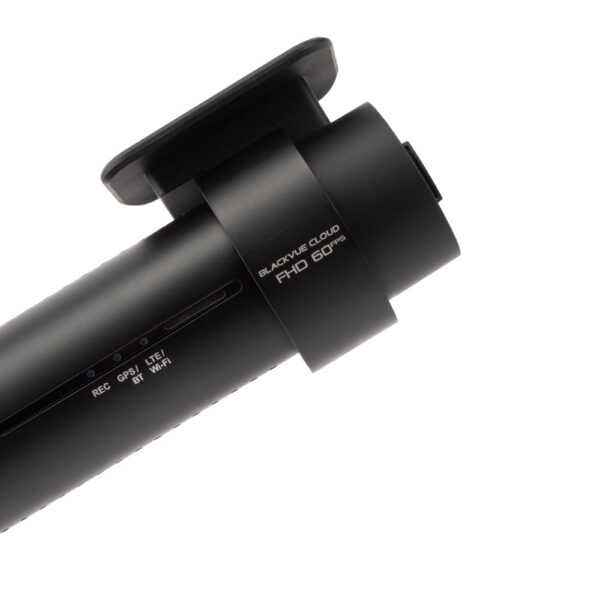
LED- Front -Recording status, GPS, Wi-Fi, Security | Rear -Security
G-Sensor- Built-in
Back-up Battery- Built-in Super Capacitor
Record Mode- Normal Mode, Event Mode(G-Sensor), Parking Mode(G-Sensor, motion)
Input Voltage- DC 12V~24V
Operation Temperature.- -20℃~70℃. High Temperature cut-off 80℃
Power Consumption- Max. 5.64W, Min. 3.72W
Colour / Size / Weight- Front -Black / L137.6mm x D43mm / 161g I Rear Black / L67.4mm x D25mm / 27g
Certifications- Front – FCC, CE, RoHS, Telec, WEEE | Rear – FCC, CE, RoHS, WEEE
Software- Blackvue Viewer (Windows, Mac OS)
Application- Blackvue App (Android, and iOS)
Reviews
There are no reviews yet.